How long will your charge last?
Add your devices to estimate the runtime of a power station, battery or power bank.

Power outage map
Explore available power outage schedules and operator updates on one map. Choose a region to find its operators and outage groups.
Other sections open in Ukrainian.
Select a region to open its schedules.
Latest data update: .
A regional status does not confirm whether power is available at a specific address.
Start with a region or city. The region page shows available operators and their outage groups.
Schedules are available without registration.
Find the operator serving your address in the list.
Choose your group or subgroup. For Ukrzaliznytsia, choose the railway first.
Check available schedules for today or tomorrow and save them.
Choose a region or city to see operator schedules and updates.
Estimate backup power, compare schedules and keep useful addresses close.
Add your devices to estimate the runtime of a power station, battery or power bank.
Explore outage duration, operator data and overlapping restrictions.
Save home, work or family addresses in your account for quick access.
Power system news and updates about restrictions. In Ukrainian.

Завтра, 28 жовтня, у частині областей України з 06:00 до 23:59 діятимуть графіки обмеження потужності для промисловості та погодинні відключення для всіх категорій (1.5-2.5 черги).
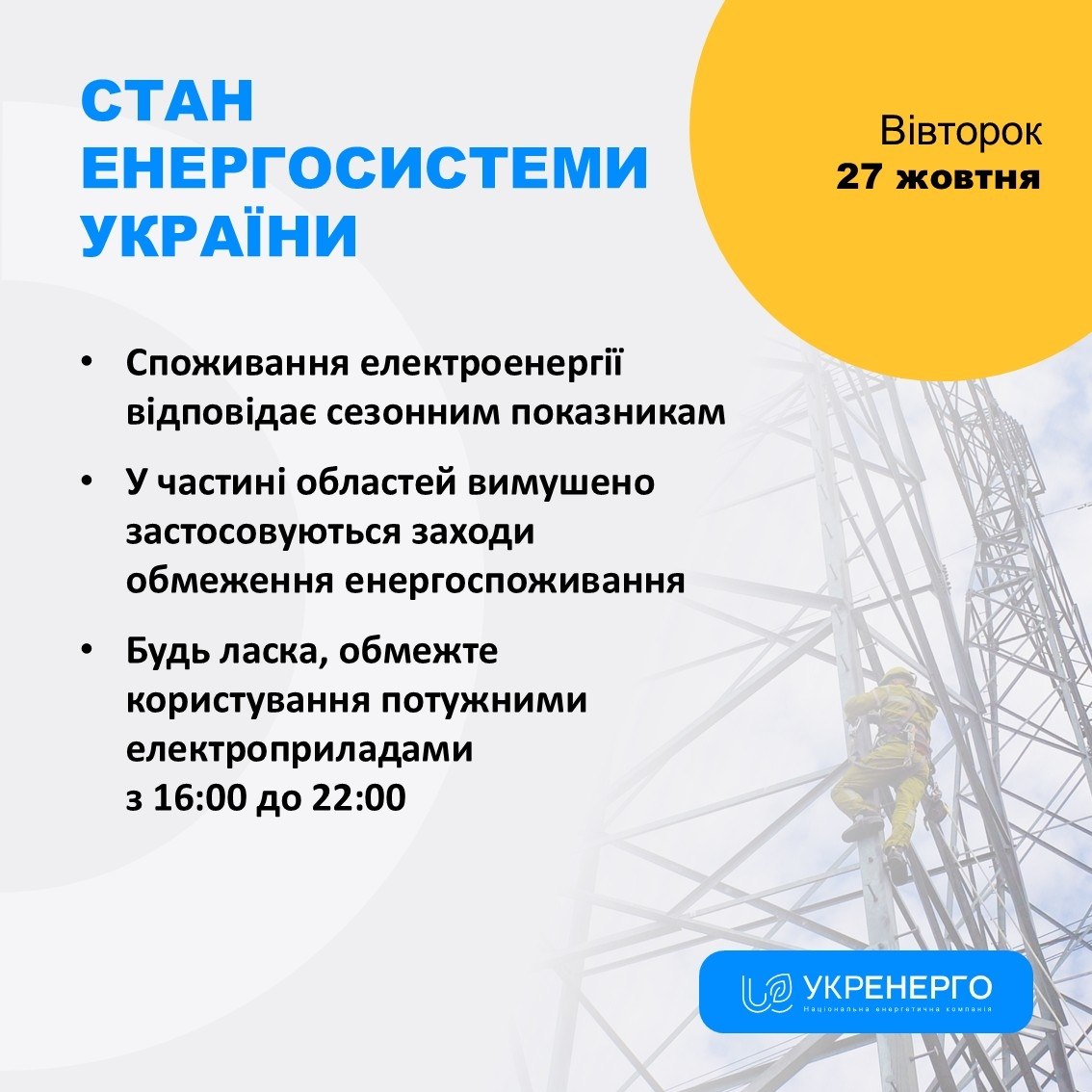
Споживання електроенергії відповідає сезонним показникам; у частині областей застосовуються обмеження. Через атаки є нові знеструмлення.
Завтра, 27 жовтня, у частині областей України запроваджуються обмеження споживання: графіки для промисловості та погодинні відключення для всіх.
Read power system news and updates about restrictions in our Telegram channel. Posts are in Ukrainian.
A few tips for reading schedules correctly.
Check the date and source update time before making plans. Saved PDF and calendar files do not update automatically.
A local emergency does not mean the entire region is affected. Ask your operator about your address and restoration time.
Missing data does not mean there are no outages. If information differs, follow your operator.
Select your region to see available operators and their schedules. Check the schedule date and the source update time.
White means no scheduled restrictions; yellow means scheduled outages. Orange combines schedules and local emergencies, light red marks local emergencies, and red marks region-wide emergency outages. The color describes a region, not an individual address.
Explore available outage data by region and operator on the analytics page.
Answers about schedules, outage groups and service data.
How do I find my outage schedule?
Choose your region, then select the operator serving your address and your outage group. Check the date and source update time.
What is an outage group?
A group is a set of addresses for which an operator publishes a schedule. Subgroups such as 3.1 and 3.2 allow more precise scheduling. Ask your operator if you do not know your group.
What if there is no confirmed schedule?
The available data does not contain a confirmed schedule for the selected operator, group and date. This does not mean outages are impossible. Check the operator’s updates.
Can the schedule change?
Yes. Emergency outages, weather or the state of the power system may change the situation. If data differs, follow your operator’s official information.
Where does the data come from?
The service displays available information published by operators. Check the source and its update time.
Where can I find my operator and group?
Use the address directory or ask your operator. Different operators in the same region may use different schedules for groups with the same number.
Why is the power off when the schedule says it should be on?
Emergency outages may occur outside the published schedule. Ask your operator about your address and restoration time.
What do the map colors mean?
White means no scheduled restrictions, yellow indicates schedules, orange combines schedules and local emergencies, light red indicates local emergencies, and red indicates region-wide emergency outages.
Can I save a schedule?
When a confirmed schedule is available, the region page can offer PDF, calendar or PNG exports. Saved files do not update automatically.
How often is the data updated?
Updates depend on operator publications and when the service receives them. Check the schedule date and source update time. Times are shown in Kyiv time.